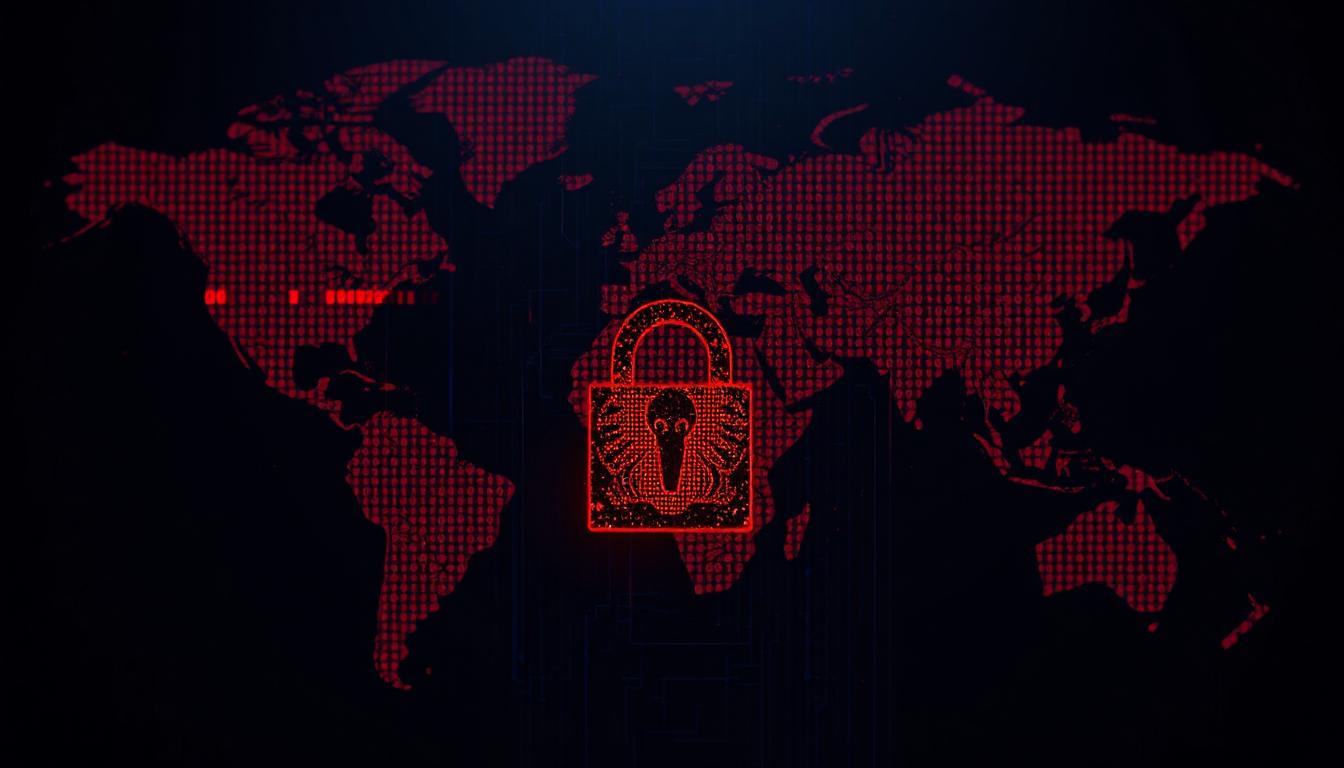
🚨 16 Billion Credentials Exposed
Don’t panic — but act fast. This massive exposure isn’t from a single hack, but years of infostealer malware silently collecting data from infected devices worldwide.
🧠 What Makes This Leak Different
Unlike traditional data breaches, this represents a compilation of stolen credentials harvested over years by infostealer malware. These programs infected millions of devices, stealing passwords, tokens, and sensitive data from Google, Facebook, Apple, GitHub, Telegram, and banks.
🕵️♂️ How Infostealers Work
Distributed through pirated software, malicious browser extensions, and fake updates. They silently harvest saved passwords, authentication cookies, crypto wallets, and session tokens. The stolen data is then sold on dark web marketplaces or compiled into massive leak databases.
⚠️ Why This Leak Matters
Enables credential stuffing attacks across multiple sites, targeted phishing campaigns, business infiltration through VPN/email access, and financial fraud. Many infected devices may still be compromised today, providing ongoing access to fresh credentials.
🔥 Critical Understanding: This Isn’t Over
Many of the infected devices that contributed to this leak may still be compromised today. This means attackers could have ongoing access to fresh credentials and sensitive information from these systems.
✅ Your 8-Step Security Response Plan
Follow these steps in order to protect yourself and your organization from this threat:
🛡️ Scan All Devices for Malware
Critical first step: Before changing any passwords, ensure your devices are clean. Use comprehensive security tools like Malwarebytes, Bitdefender, or Windows Defender to perform full system scans. Remove any suspicious programs, browser extensions, or applications you don’t recognize.
🔍 Check Your Exposure Status
Use reputable breach-checking services to determine if your credentials appear in known leaks. Have I Been Pwned and Cybernews Leak Checker are trusted resources. IT administrators should enable domain-wide breach monitoring alerts for continuous protection.
🔑 Update All Compromised Passwords
Create unique, complex passwords for every account. Use combinations of uppercase/lowercase letters, numbers, and symbols. Consider using passphrases with random words for better security and memorability. Never reuse passwords across multiple sites.
🧰 Implement a Password Manager
Essential for maintaining unique passwords across all accounts. 1Password, Bitwarden, and KeePass are excellent options. These tools generate strong passwords automatically and store them securely. For businesses, consider enterprise solutions with team vaults and access controls.
🔐 Enable Two-Factor Authentication
Add an extra security layer to all critical accounts. Use authenticator apps like Google Authenticator, Authy, or Microsoft Authenticator rather than SMS when possible. Enable 2FA on email, banking, cloud services, and social media accounts first.
🧽 Clean Up Digital Hygiene
Remove unused browser extensions, uninstall suspicious applications, and clear stored passwords from browsers (transfer them to your password manager first). Keep your operating system and all software updated with the latest security patches.
🧭 Set Up Security Monitoring
Enable login alerts and unusual activity notifications on all important accounts. Regularly review active sessions and authorized devices. Use VirusTotal to scan suspicious files before opening them. Monitor your accounts for unauthorized access attempts.
🧑🏫 Educate Your Team (Organizations)
Conduct security awareness training focused on recognizing phishing attempts and maintaining good password hygiene. Implement and enforce strong password policies, mandatory 2FA, and consider adopting Zero Trust security architecture with SIEM/EDR tools.
🔧 Essential Security Tools
Password Managers
1Password, Bitwarden, KeePass
Enterprise solutions with team vaults
Authenticators
Google Authenticator, Authy
Microsoft Authenticator, Duo
🛡️ Your Security is in Your Hands
While this massive credential leak represents a serious threat, it’s also an opportunity to strengthen your digital security posture. By following the steps outlined above, you can transform this risk into resilience.
Remember: Cybersecurity is not a one-time fix, but an ongoing practice. Stay vigilant, stay updated, and stay secure.